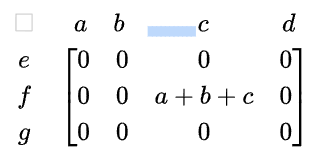
There is no direct command to create such matrix, but the matrix can be composed of several matrix commands. This works well, as long as labels and elements of the matrix have the same dimensions.
Here are the steps. Assume we want to create 3x4 matrix with both row and column labels.
- Start with 2x2 matrix without brackets:
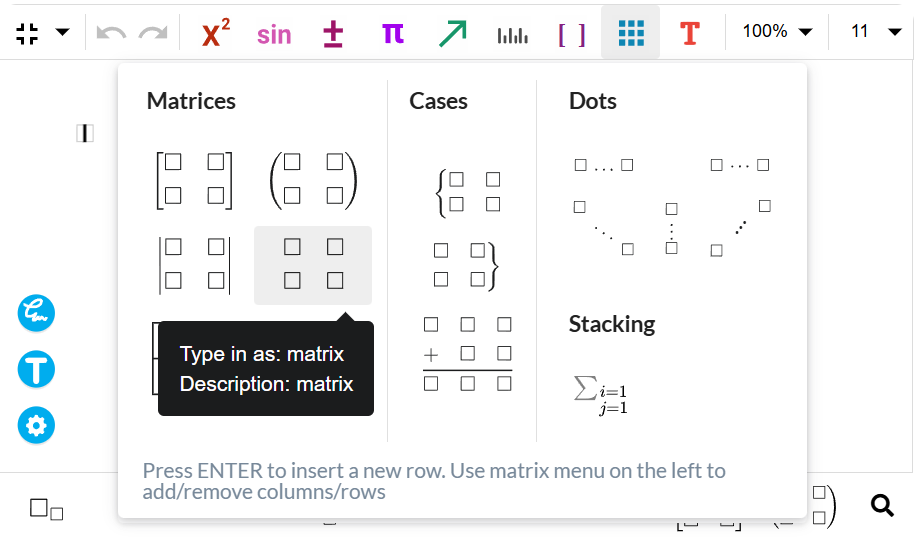
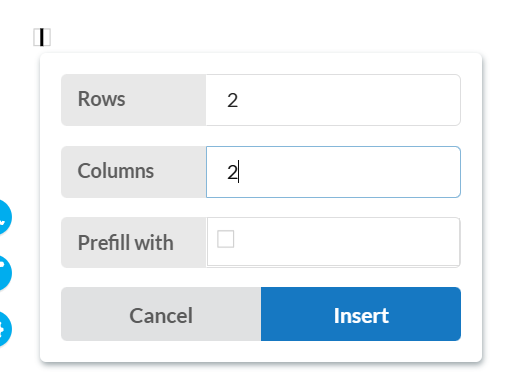
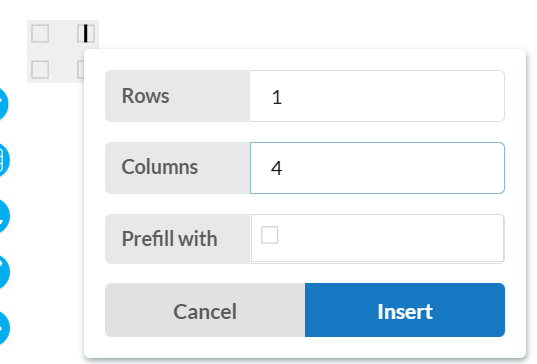
- Position the caret in the second column of the first row and insert 1x4 matrix without brackets:

- Position the caret in the first column of the second row and insert 3x1 matrix without brackets:
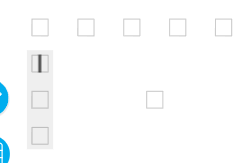
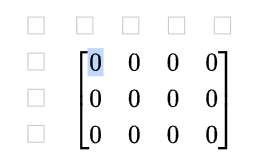
- Finally, position the caret in the second column of the second row and insert 3x4 matrix with desired brackets:
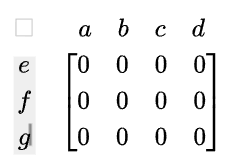
Example, after adding labels:
Remark: If an element of the matrix is too wide, it’s possible to fix the alignment of the column labels by adding spaces before and after the label of the corresponding column. For example:
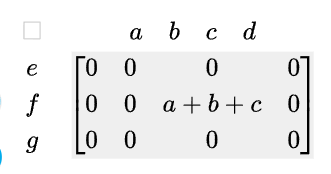
Adding spaces before and after label c: