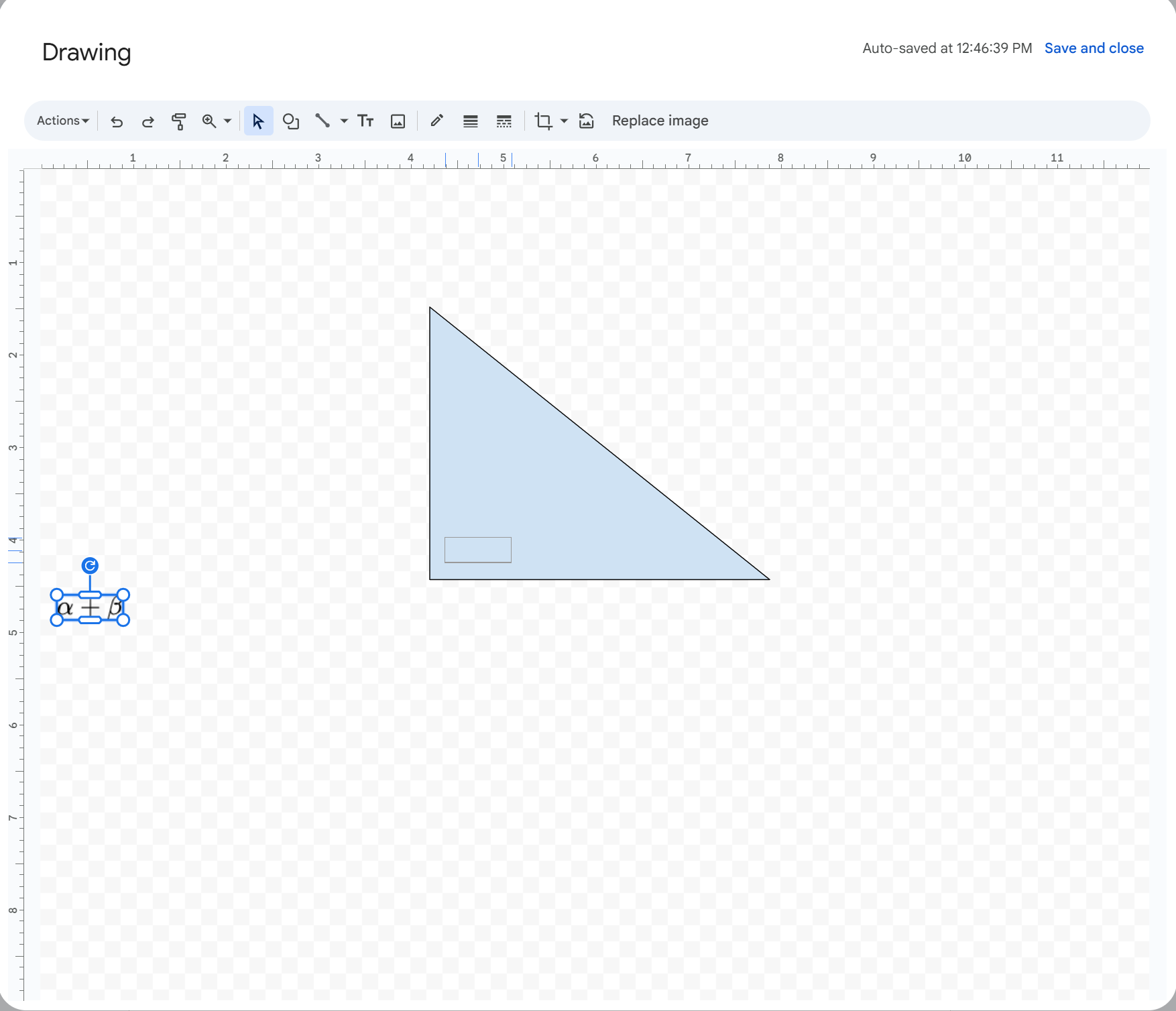
Currently, Hypatia Create does not support creating diagrams. However, you can use the drawing tool in Google Docs to create shapes like circles, triangles, etc. To label them, you can insert images of math expressions using Hypatia Create in Google Forms.
Here’s how:
-
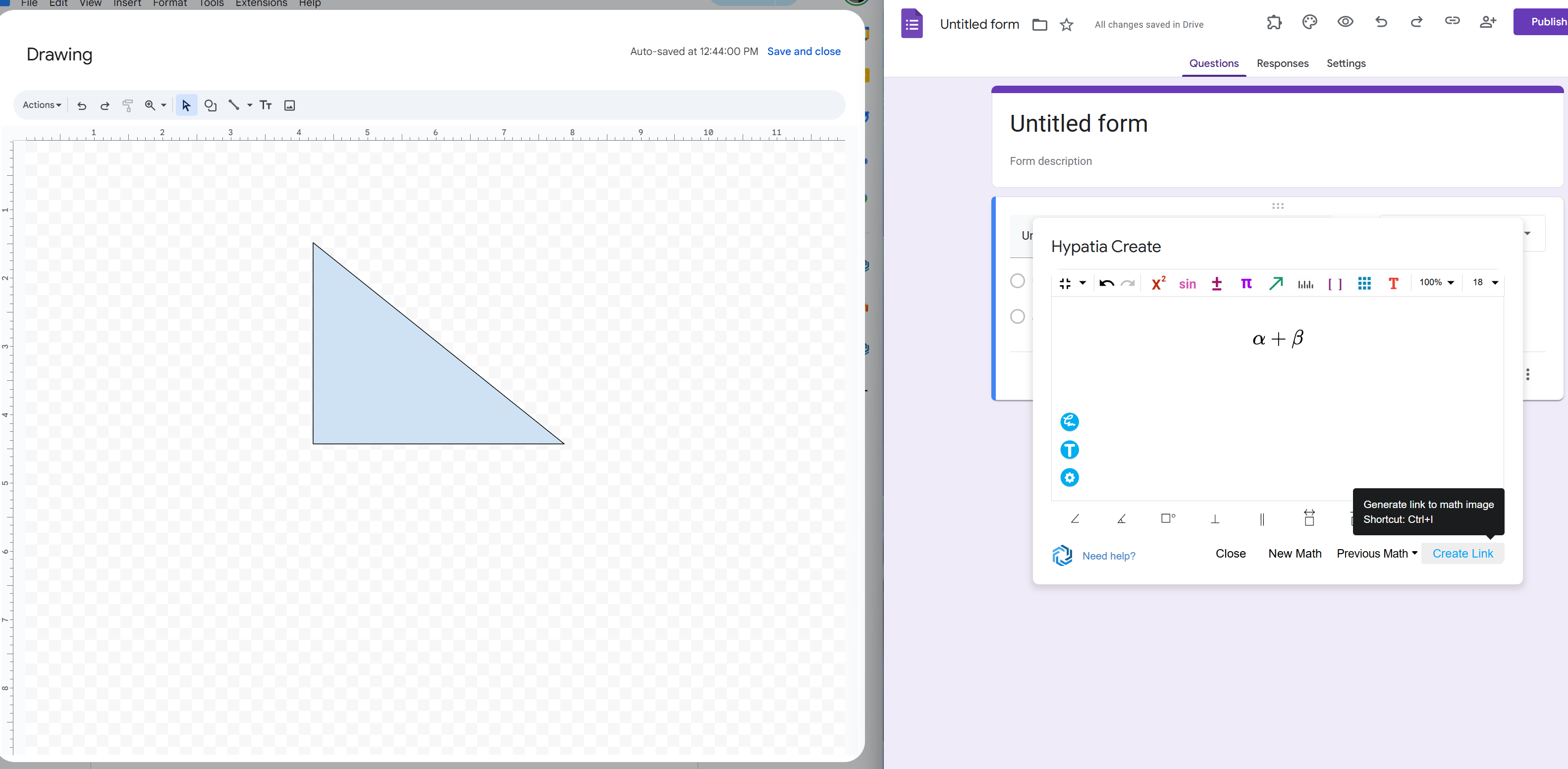
Create a temporary Google Form and open Hypatia Create.
-
Type the math you want to use as a label and click Create Link.
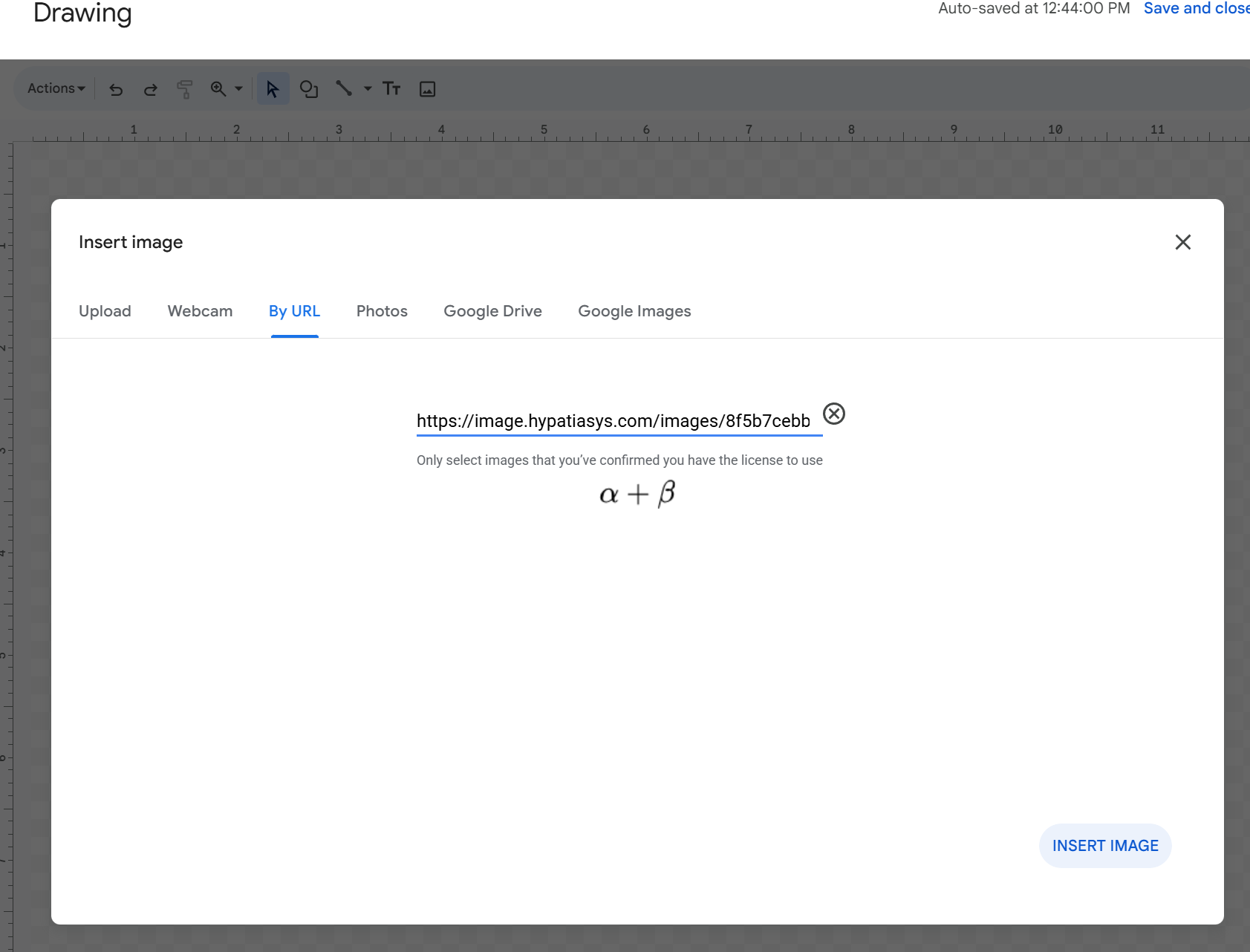
- In the Google Docs drawing tool, click Image > By URL, and paste the link.
- Then position the image label where you need it.